Running Training Tracker: Designing a Digital Product
Building a digital product takes time, testing, and creative problem-solving. Let's walk through how I built my Running Training Tracker from scratch in seven weeks, a process that merged research, design, testing, and marketing.
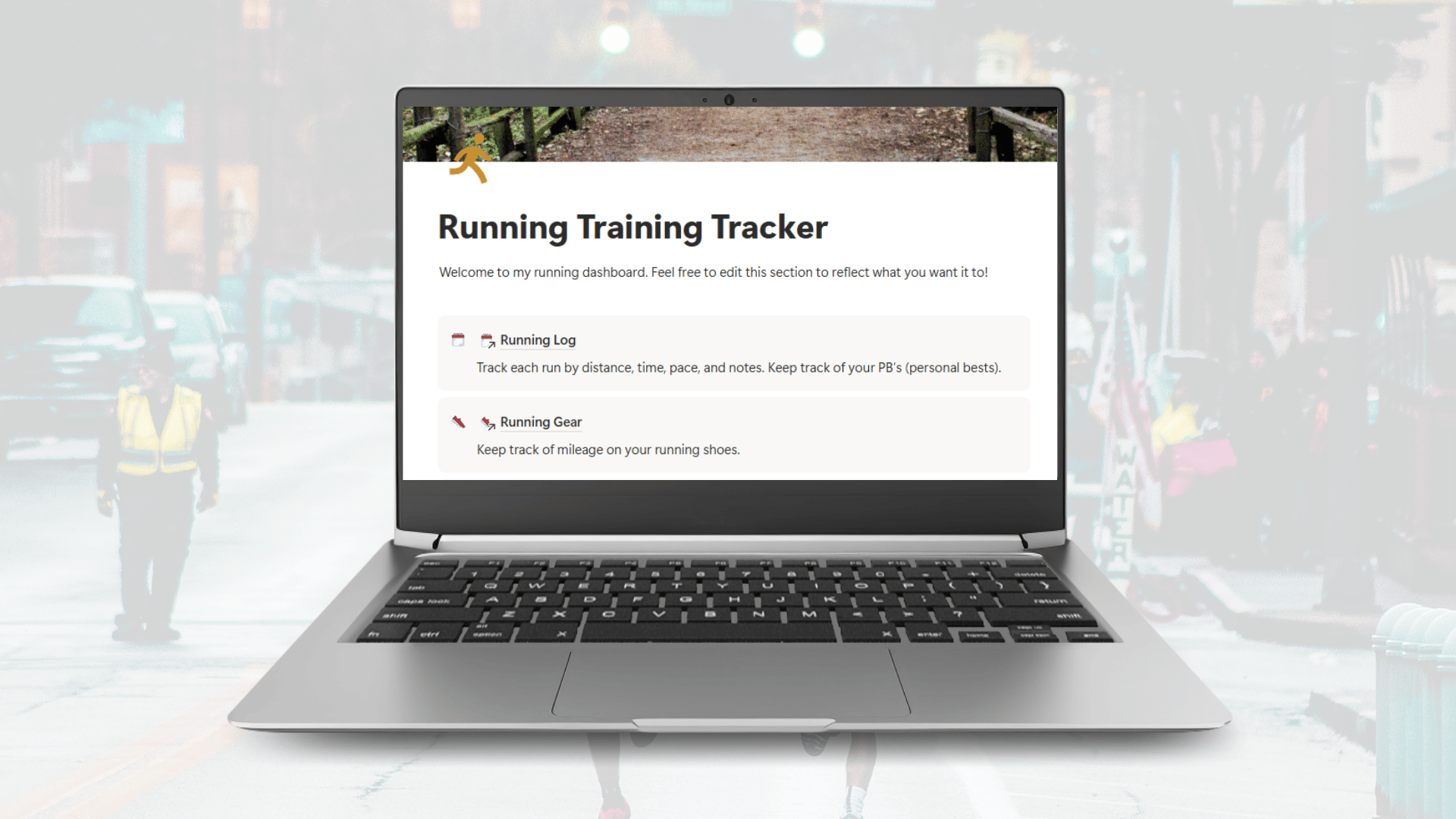
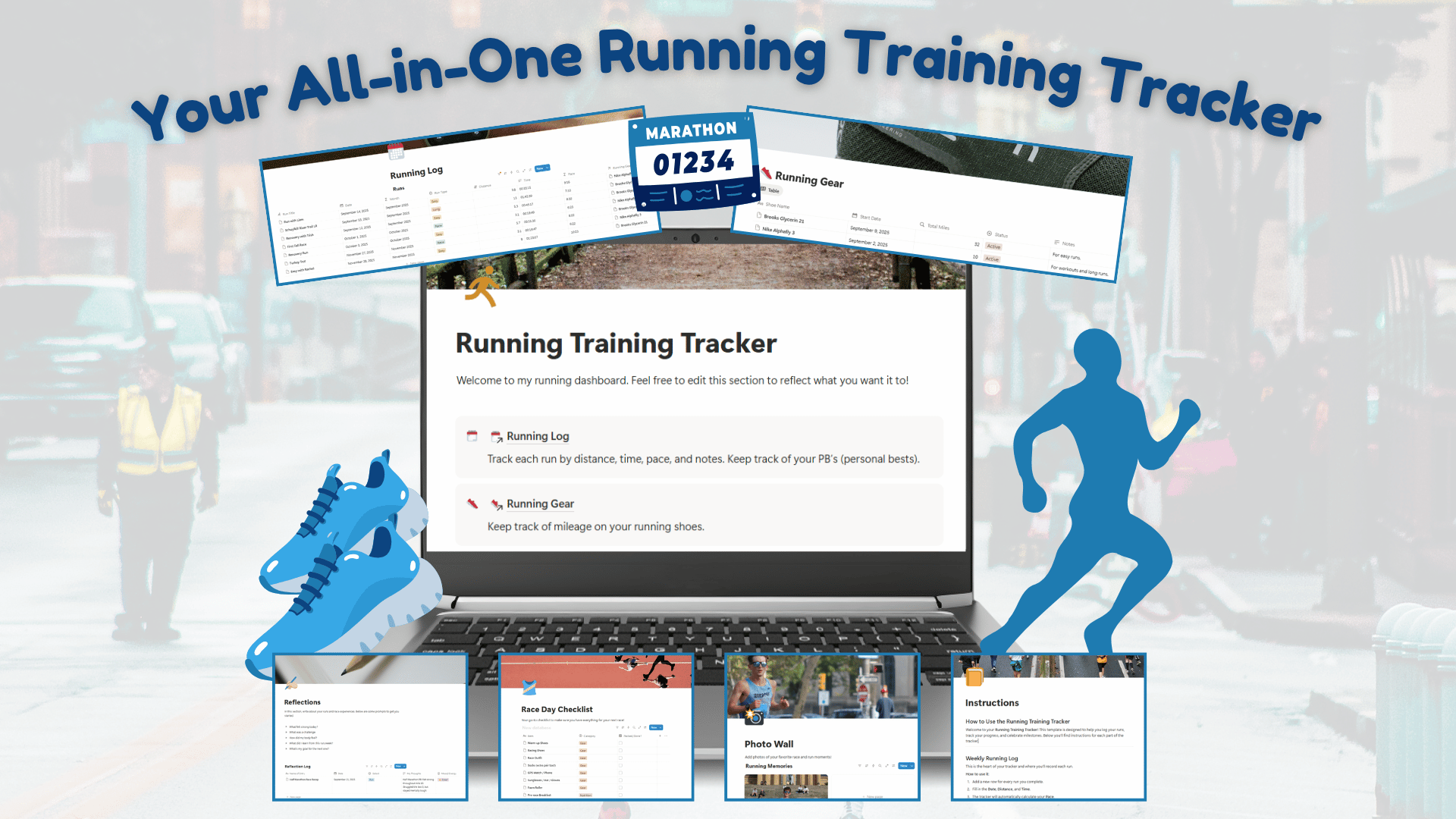
Designed for runners, walkers, and fitness enthusiasts, the tracker solves a common problem: training tools are scattered across too many places. The Running Training Tracker brings everything together in one place, from logging runs and writing personal reflections to uploading photos and checking off a race day gear list. It's the all-in-one training companion built for anyone looking to train smarter and stay organized.
Designing the Running Training Tracker

Phase 1: Research + Planning
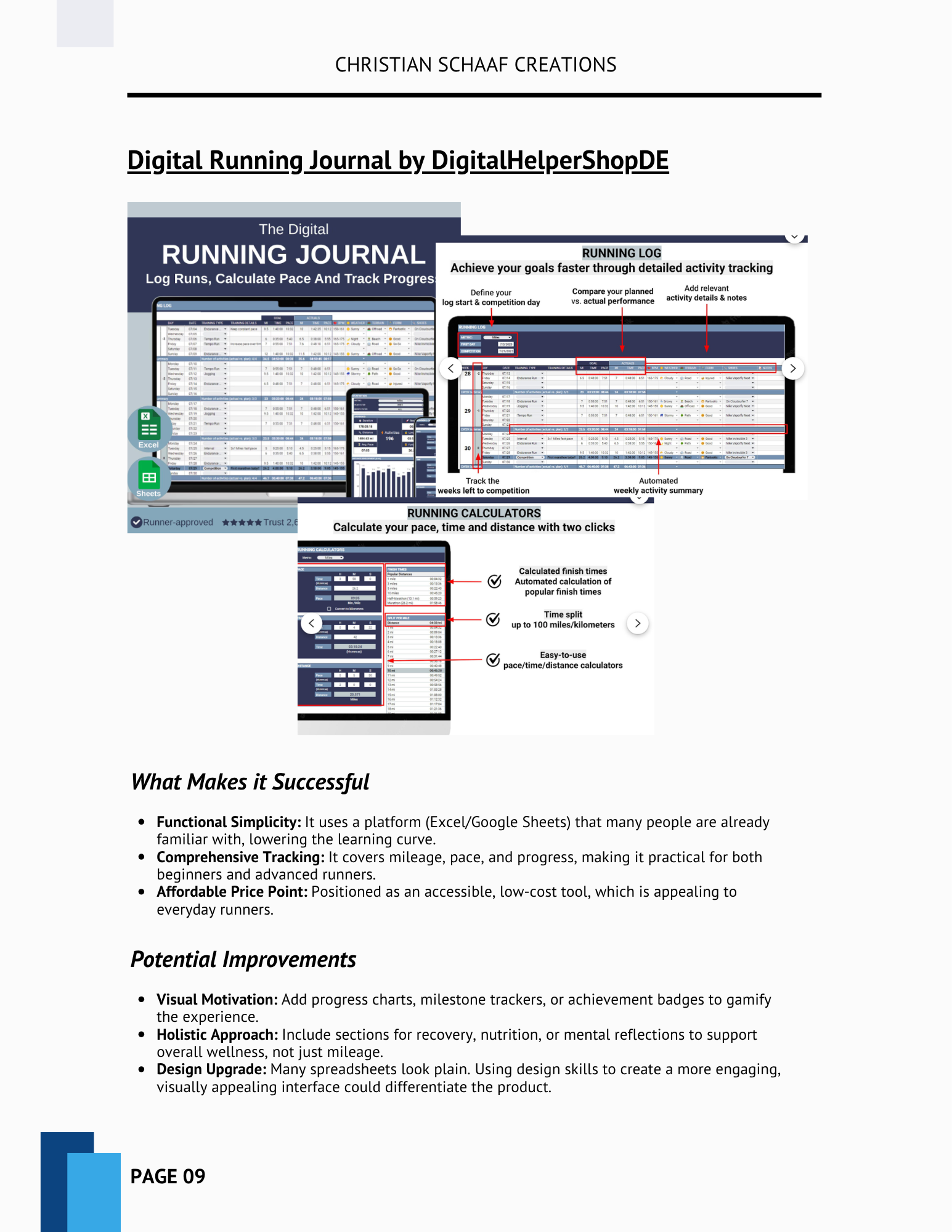
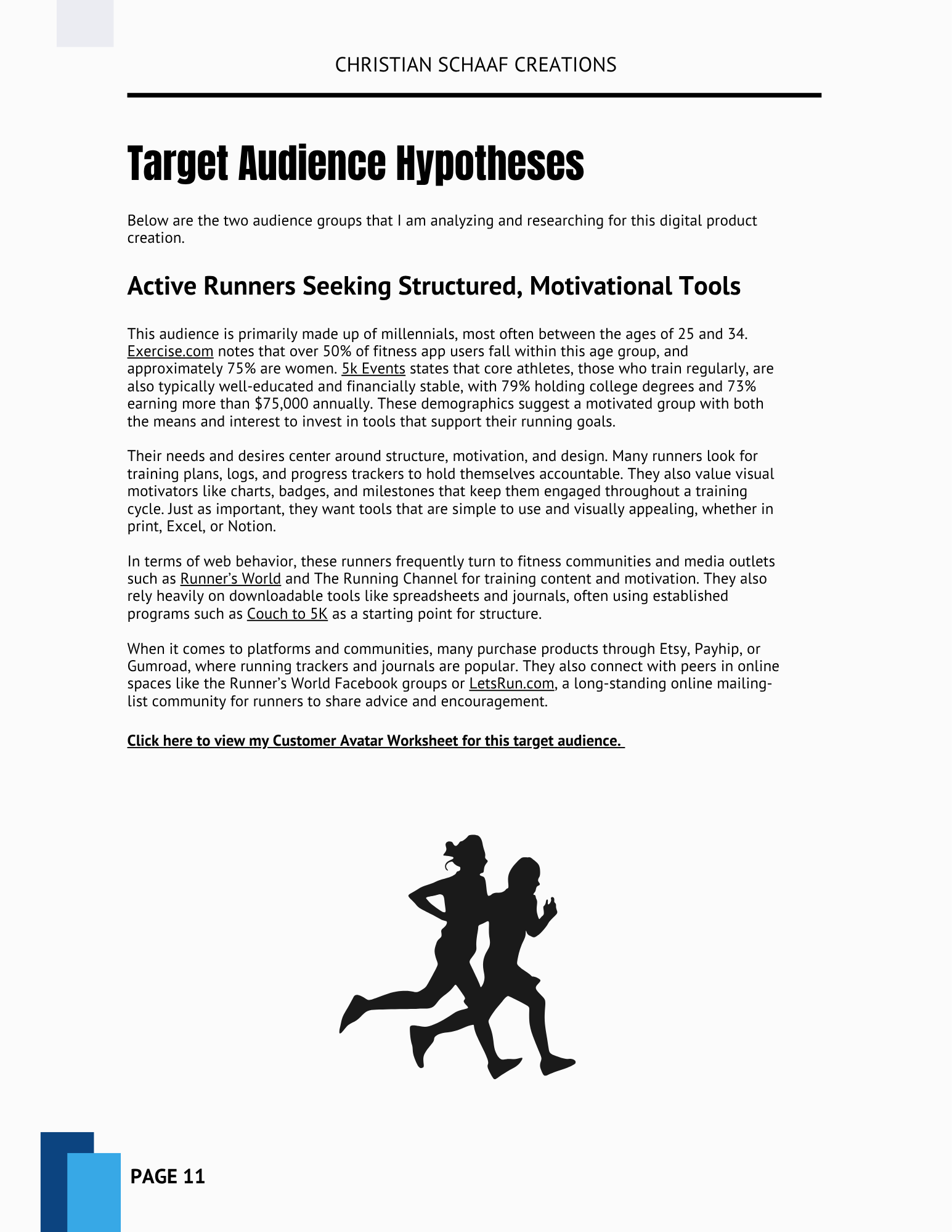
Before diving into creation, I researched the digital product landscape across platforms like Creative Market, Etsy, and Gumroad to understand what types of products perform well, how they're presented, and where I could add value.
Through this research, I discovered three product categories that stood out:
A Branding Template for designers and small businesses
Event Flyer and Social Media Templates for business owners without design backgrounds
A Running Training Tracker for runners looking for a private, customizable training log
From there, I created a detailed Market Research Report summarizing my findings and outlining potential opportunities, and built a Trello Board to map out each stage of the project with weekly goals and actionable checklists.
Phase 2: Pitching Ideas
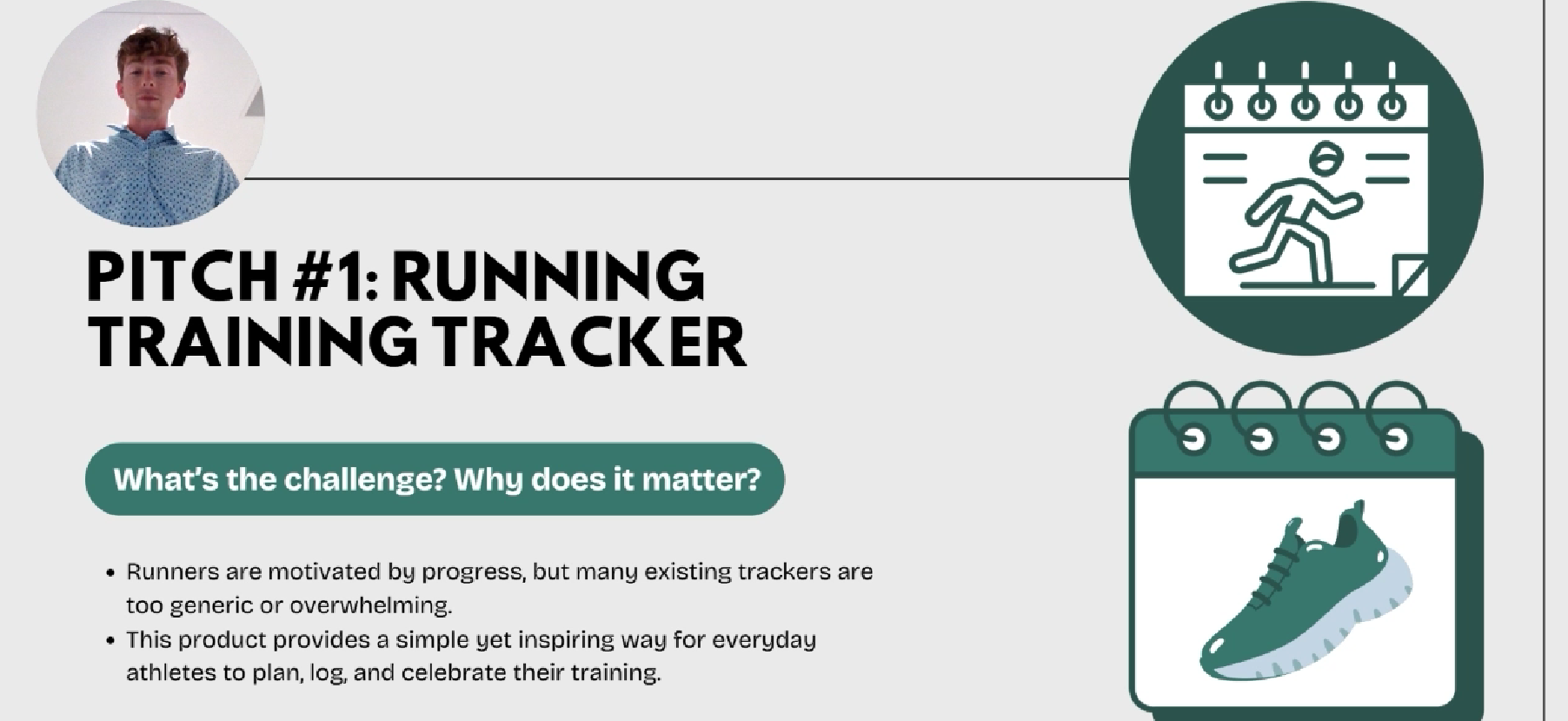
After narrowing my focus, I recorded a three-minute pitch video using Loom, highlighting each idea, its target audience, and its competitive advantage. Watch my pitch video below.
The Branding Template targeted solopreneurs and coaches looking for a cohesive visual identity.
The Event Flyer Kit catered to small business owners who frequently create visual materials.
The Running Training Tracker offered runners a personal, reflective space to log their progress unlike community-based apps like Strava.
After gathering peer feedback, the choice became clear. I chose the Running Training Tracker for its strong market potential, my personal connection to running, and my clear vision for what the product could be.
Phase 3: Building Product
After selecting the Running Training Tracker, I chose to build it in Notion for its flexible database features and customizable layouts.
Week 3: Laying the Foundation
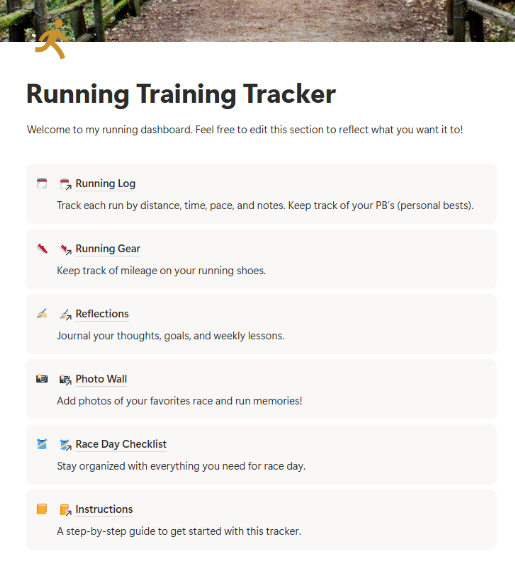
The first week of production focused on building the Running Log: the heart of the tracker. I learned how to code basic formulas in Notion, created inline databases, and added key properties like run title, date, distance, time, pace, and notes. I also built a Running Gear database that tracks mileage per shoe, helping runners know when to retire them safely.
Week 4: Adding Key Features
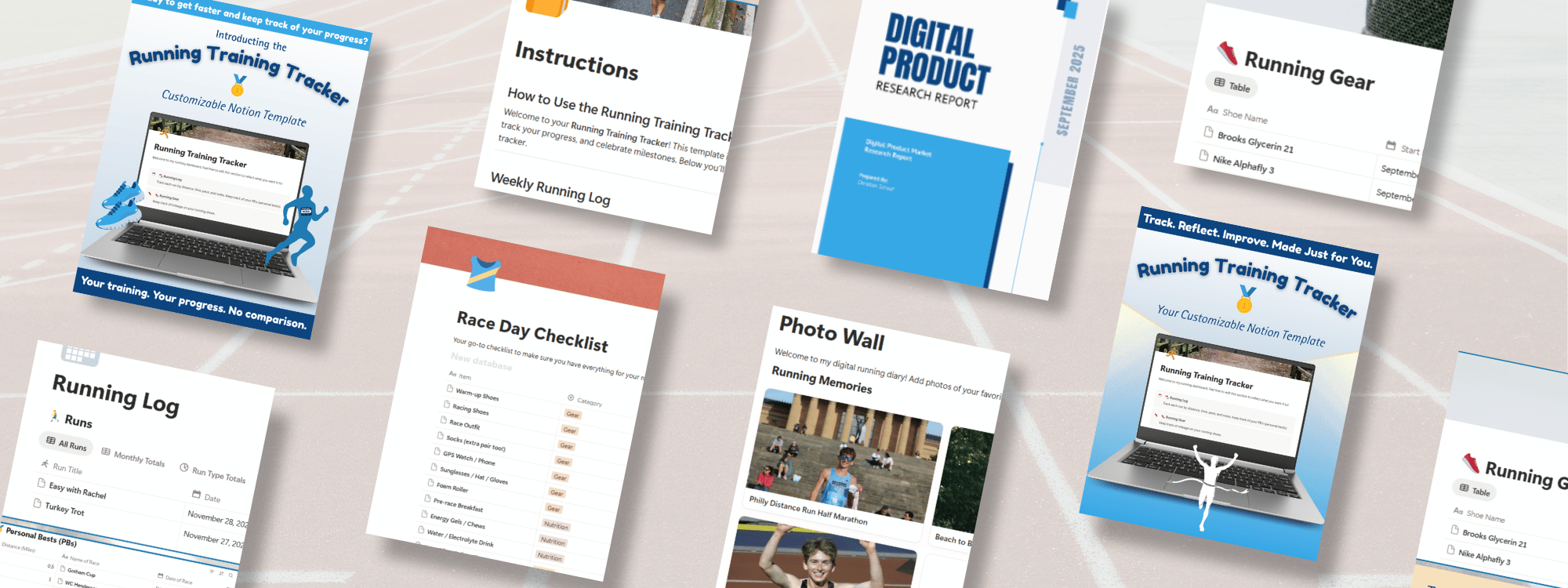
I expanded the tracker with four new pages: Reflections, Photo Wall, Race Day Checklist, and Instructions, transforming it from a simple logbook into a full digital running diary. I also began user testing with runners from my community to identify areas for improvement.
Week 5: Refining and Finalizing
The final week of production was all about implementing user feedback. I added a Monthly Totals tab to automatically calculate mileage per month, clarified time entry formatting for accurate pace calculations, and refined the overall experience with icons, polished branding, and thorough link and formula testing.
Phase 4: Marketing Plan + Sales Page
With the product ready, it was time to build its public presence.
Sales Page
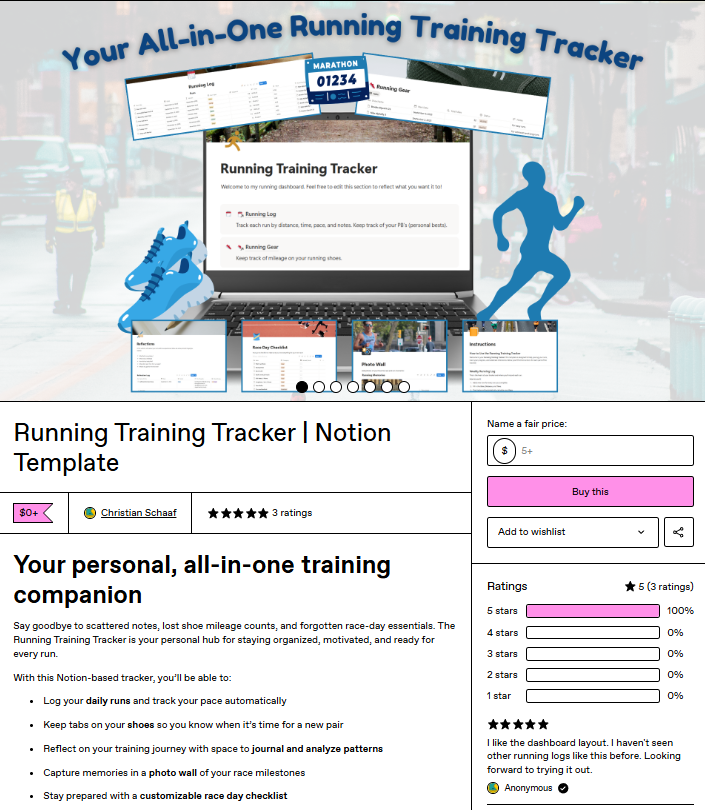
I chose Gumroad to host the tracker for its dedicated Fitness and Lifestyle category and Running subcategory. I designed branded thumbnails and mockups in Canva, wrote product copy in Microsoft Word, and organized the sales page into clear sections including Format & Layout, How It Works, and FAQs.
Promotional Assets
To promote the launch, I developed a set of multimedia assets:
YouTube Walkthrough — a video guide walking users through the tracker's features and customization options
Email Newsletter — a Constant Contact launch announcement featuring visuals, benefits, and a link to Gumroad
Social Media Posts — Instagram and Facebook content highlighting tracker features and the product launch
Marketing Plan
My marketing plan identified runners and fitness enthusiasts as the core audience: people looking for a private, customizable, and motivating way to track their training. Key campaign goals included building brand awareness, driving traffic to Gumroad, and increasing template downloads.
Phase 5: Product Launch + Results
The Running Training Tracker officially launched on Monday, October 6, 2025, at 10:00 AM, with promotional materials distributed across YouTube, social media, and email.
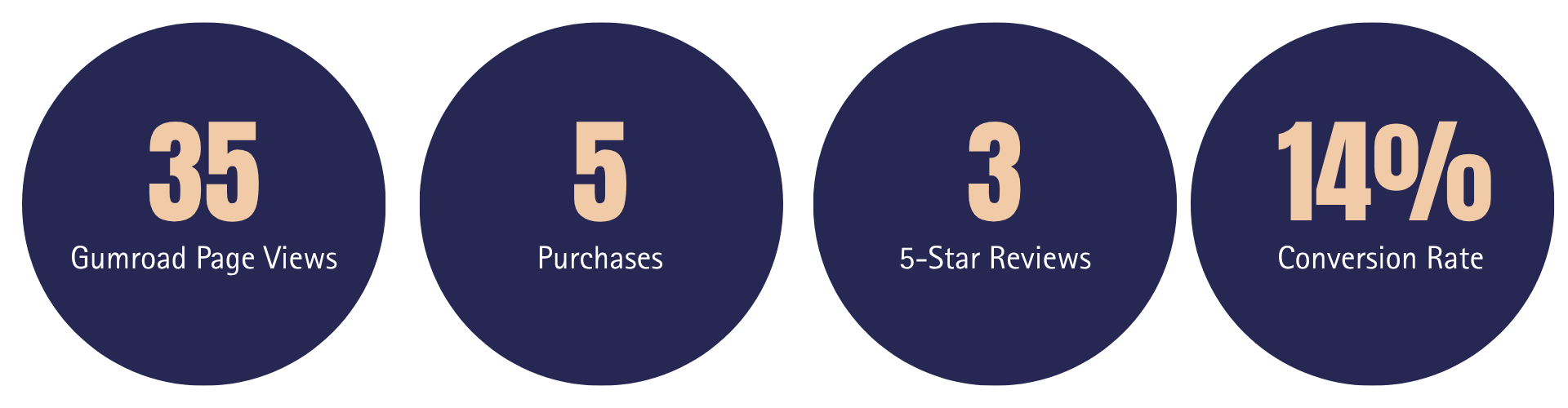
In the first week, the tracker received 5 purchases, three 5-star reviews, and a 14% conversion rate.
Reflection
Building a digital product from scratch was both rewarding and educational. Through this project, I gained hands-on experience in:
Conducting market research and competitor analysis
Developing and coding in Notion
Recording with Loom and editing video in Premiere Pro
Building a marketing plan across multiple channels
Designing branded assets using Canva, the Adobe Suite, and Microsoft Word
Creating a sales page on Gumroad and successfully launching a product
This project gave me firsthand experience running a micro-business — from product development and brand identity to promotion. It deepened my understanding of how creativity, strategy, and empathy work together to deliver real value to users, and gave me the confidence to keep creating, designing, and connecting with audiences in meaningful ways.